Overview
Pika 2.5 is Pika's flagship video model, tuned for crisp 1080p motion. Write a shot from a prompt alone, or attach one photo and describe how it should move. Either way the clip runs five or ten seconds, at 480p, 720p or 1080p.
How to write the prompt
- With nothing attached, the prompt is the whole brief. Write the scene as confident editorial prose: the subject and wardrobe in precise detail, the surroundings, the mood, the colour grade and the framing, with the composition declared in words.
- With a source image attached, the photo already carries the subject, the wardrobe and the setting. Write the prompt as motion: what moves, how it moves and how the camera behaves, and keep the action to what the still can carry.
- Name one camera move and its pace — a slow dolly-in, an aerial drift, a locked-off shot.
- Describe motion in small, physical terms: hair lifting in the breeze, fabric swaying, a slow blink.
- Be materially specific — cropped spiky hair, mossy overgrown limbs, a vivid blue sky — so the render has texture and silhouette to hold on to.
- Renders come back silent, so leave sound out of the prompt. Score the finished cut with Pika Soundtrack.
- Pick five or ten seconds under Duration and 480p, 720p or 1080p under Resolution. Set the Aspect ratio for a prompt-only shot; a source image provides its own shape.
Bring a photo to life
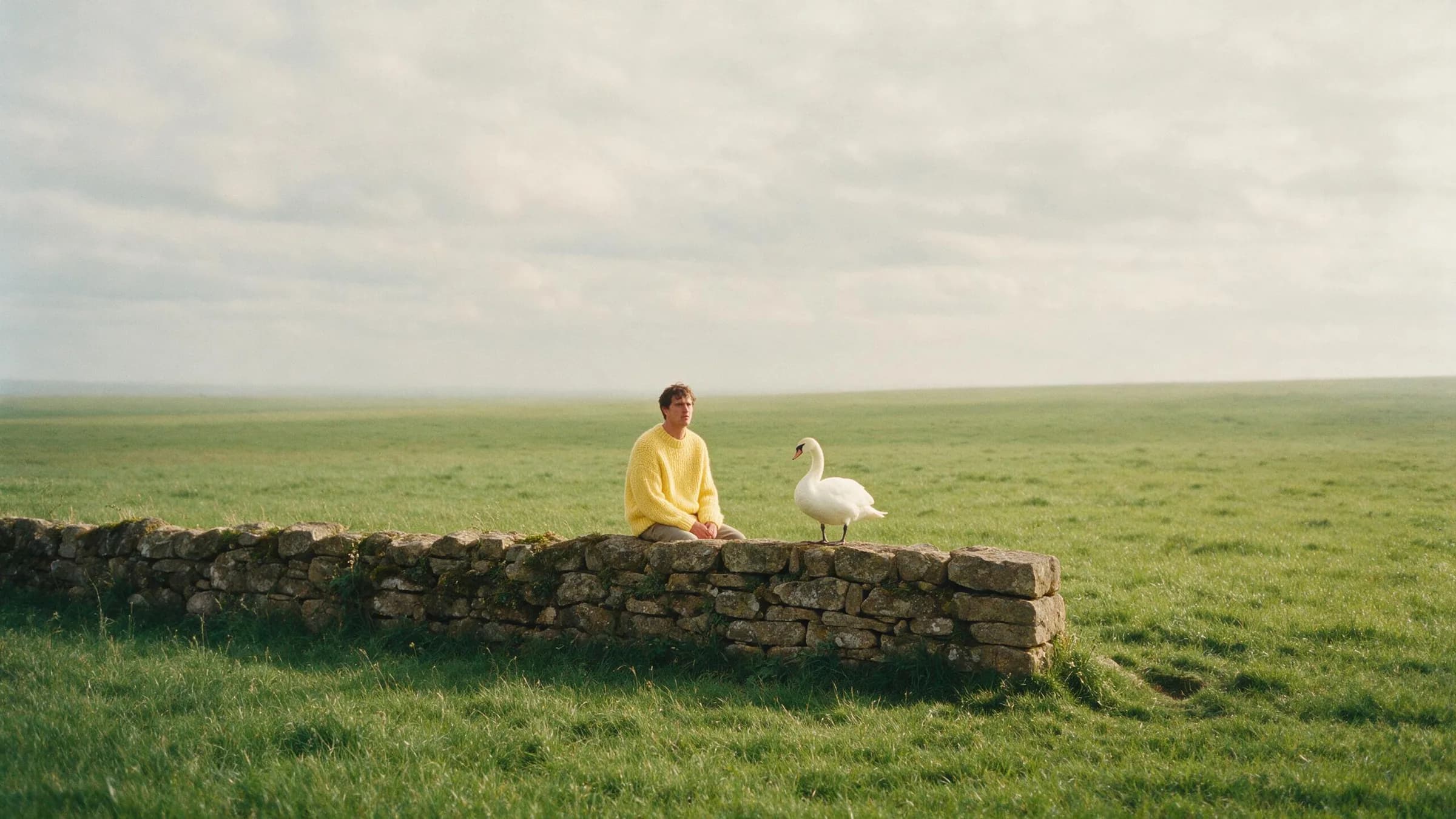
With a photo attached, the image already carries the shot. Describe only what changes.
Write the scene from scratch
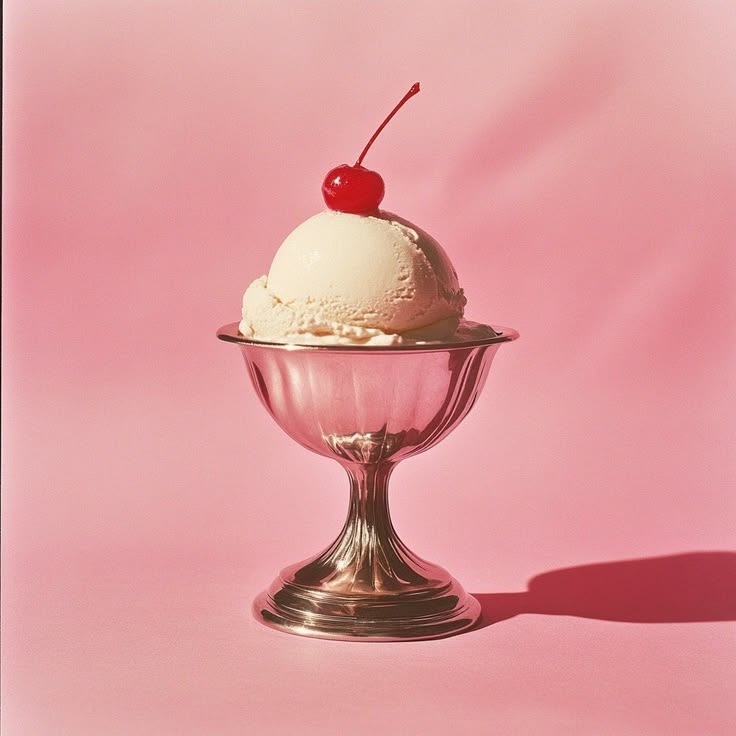
With nothing attached, the prompt has to carry the whole frame. Name the subject and the wardrobe in precise detail, place them in a described environment, then set the visual treatment: the framing, the light, the grade and the mood, in full editorial prose rather than a list of tags.
Name one camera move
Pick a single move and its pace — a slow dolly-in, an aerial drift, a locked-off shot — and let the subject's small motions do the rest. A still you attach already fixes the framing, so the move is the one thing the camera adds.