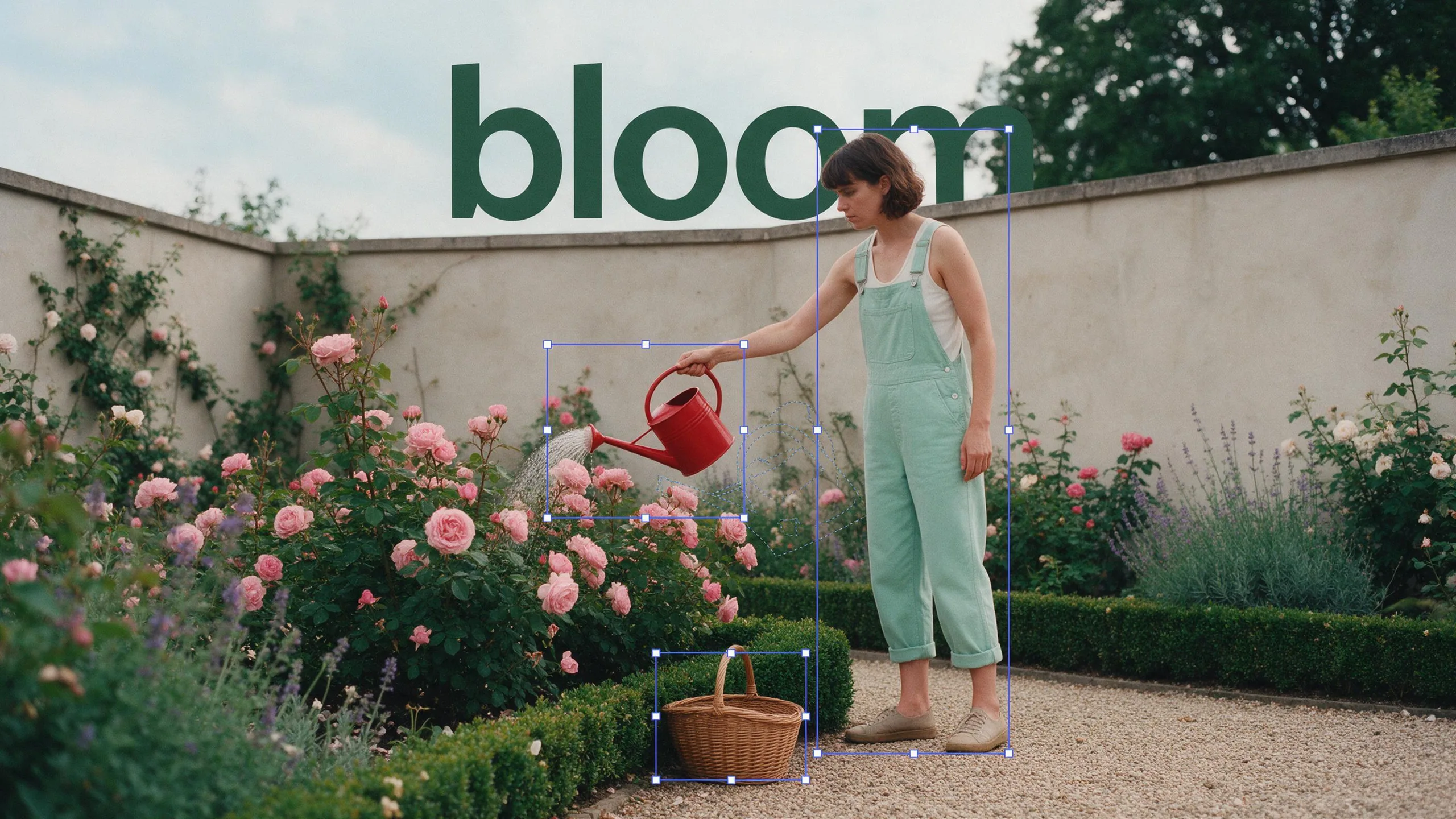
Every element on its own layer
Split an image into up to 100 layers for background, elements and text, then rearrange, reuse or edit them in your own tools.
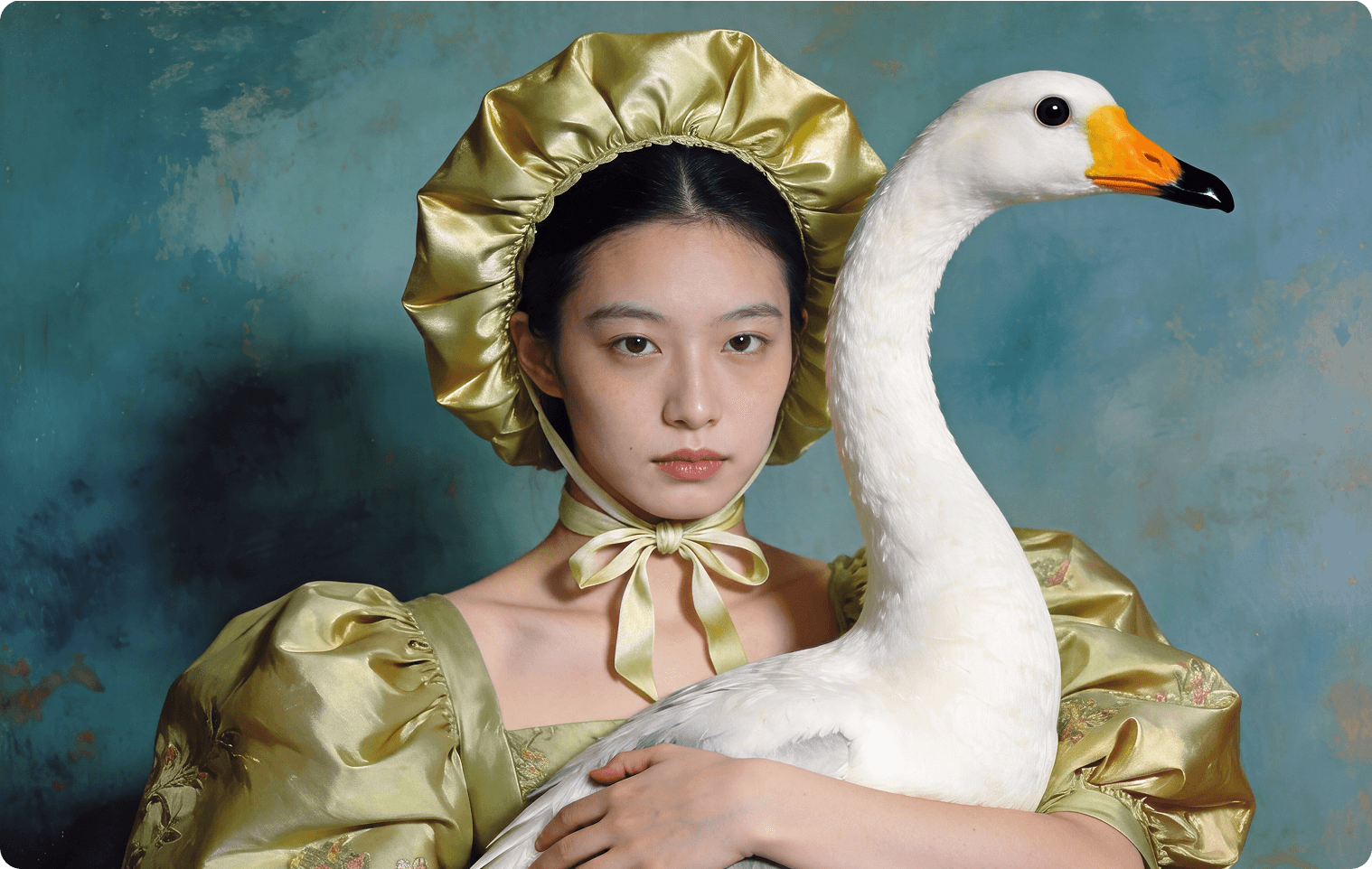
Meet Seedream 5.5, built for images that go straight into production. It renders sharper, more natural images up to 4K, gets small and multilingual text right, and can generate on a transparent background. Then split the result into layers for background, elements and text.
Split an image into up to 100 layers for background, elements and text, then rearrange, reuse or edit them in your own tools.
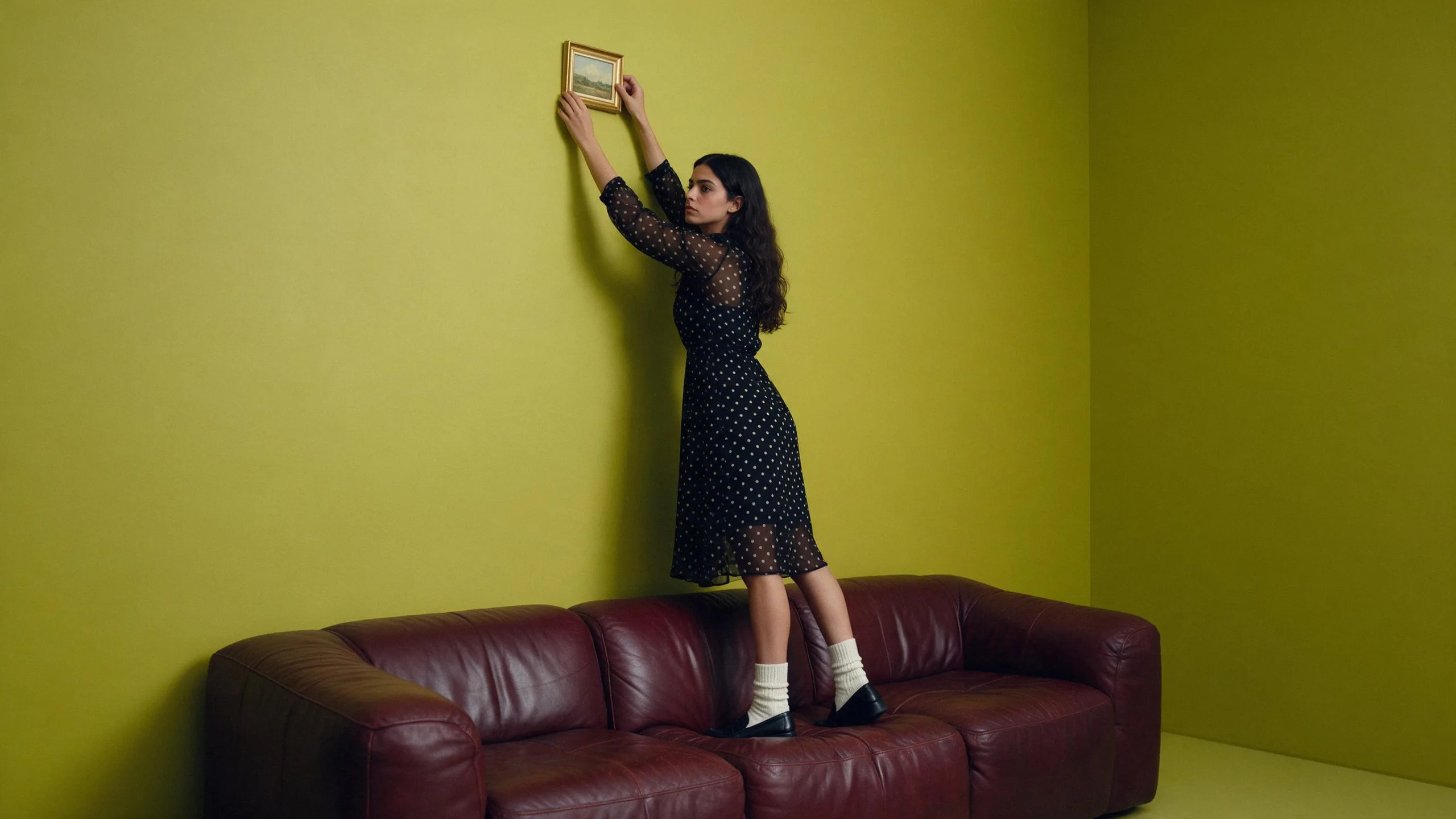
Change a face, a product or the background as many times as you need. Everything you didn't touch stays pixel-for-pixel the same, with no quality loss between rounds.
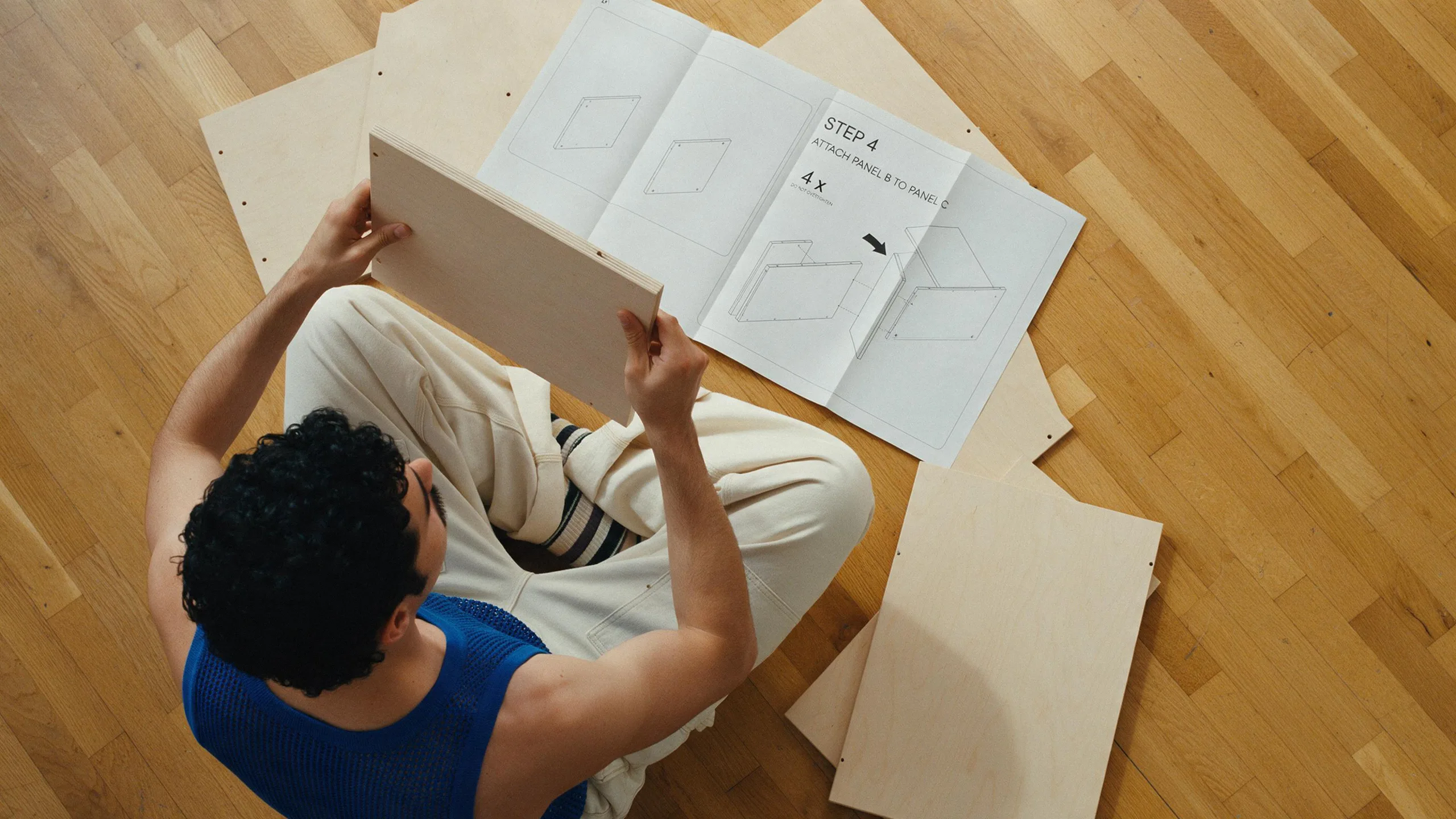
Combine products, people and locations from several references, with matching scale, perspective and light, while each subject keeps its identity and details.
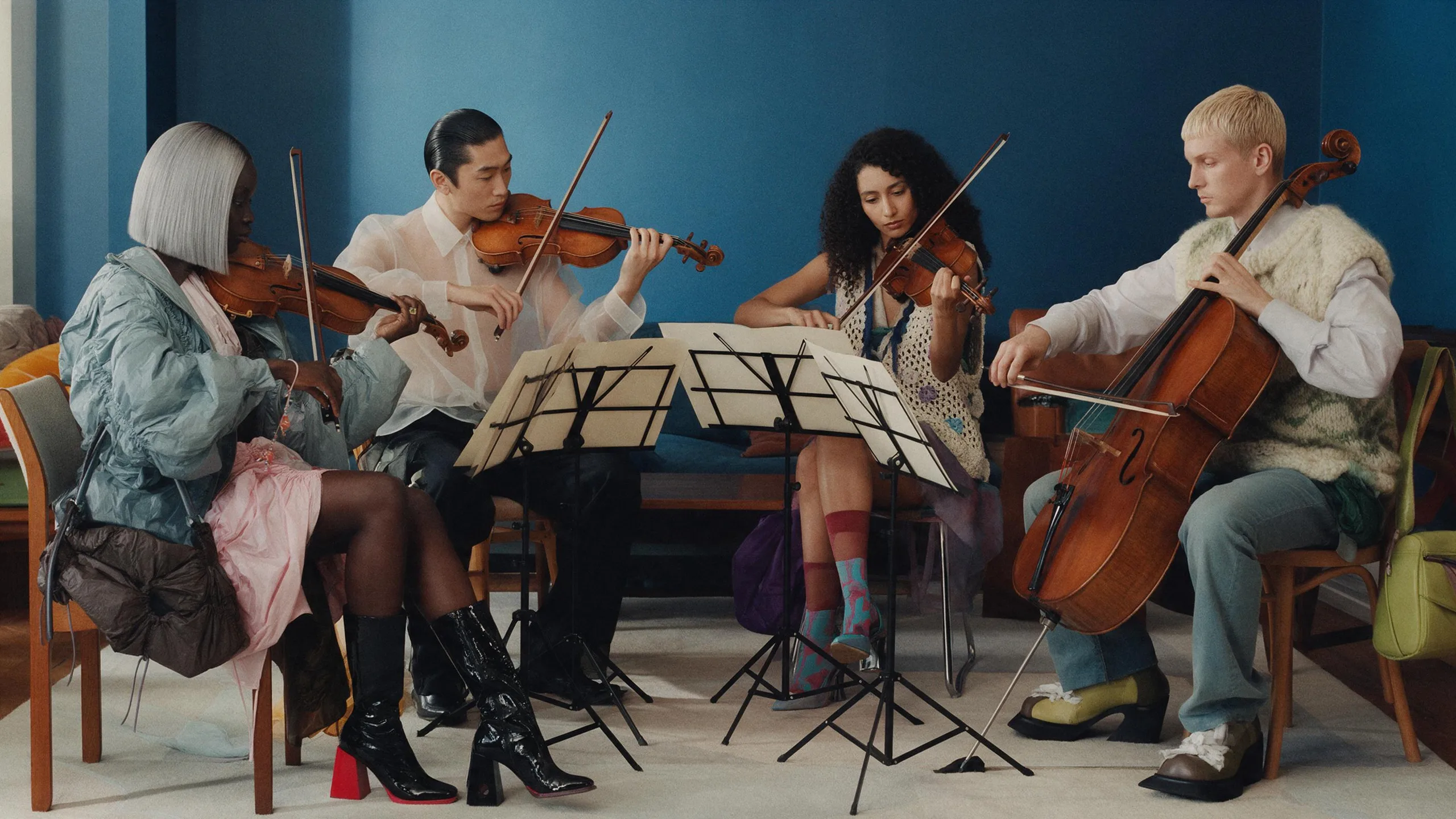
Write copy in Japanese, Thai, Russian, Tagalog and more, with the right characters, numbers and layout for posters, packaging and signs. Seedream 5.5 renders them accurately and legibly, even at small sizes.
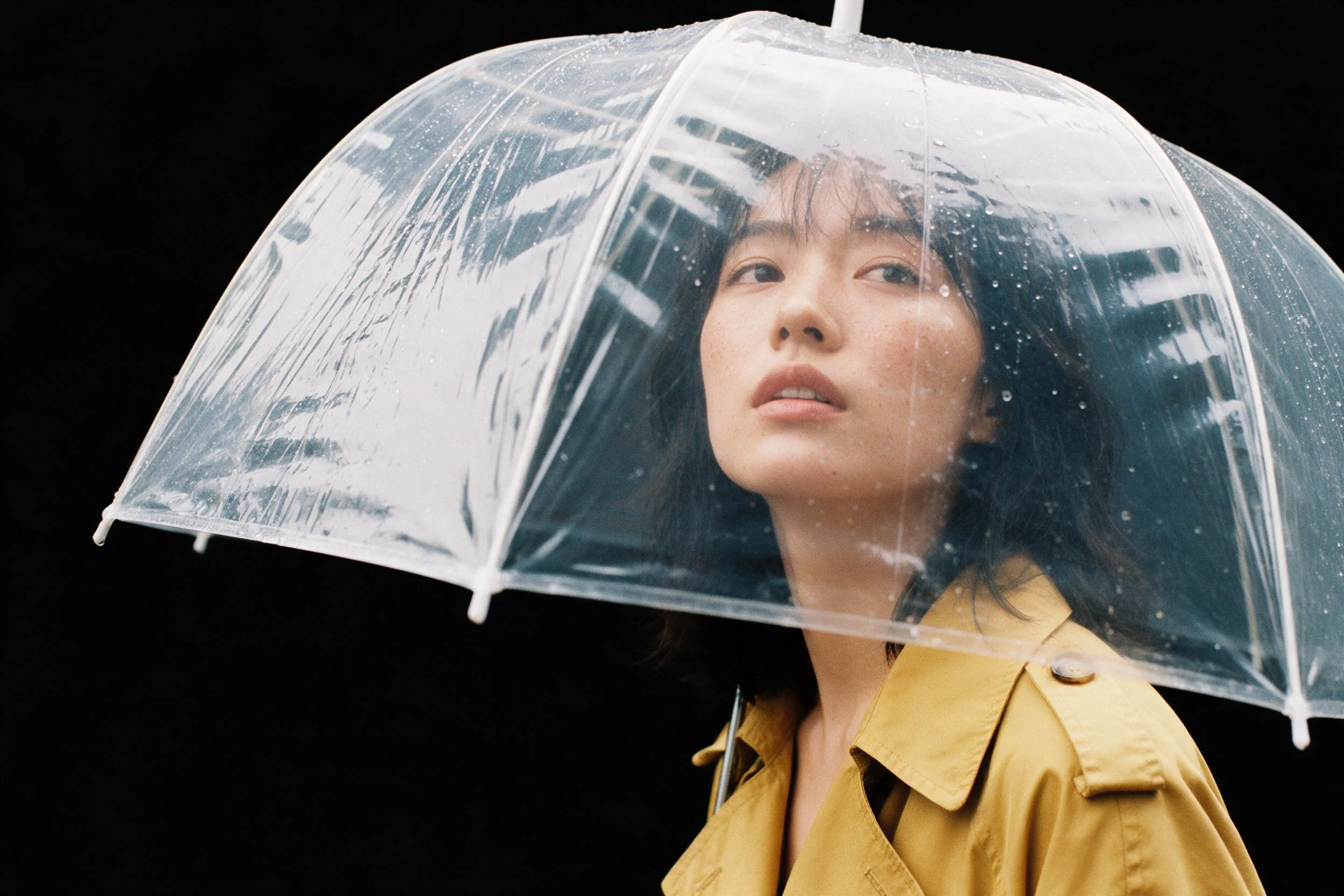
No masking and no edge cleanup. You get assets with clean transparent edges, ready to composite into a layout, a game or a deck.
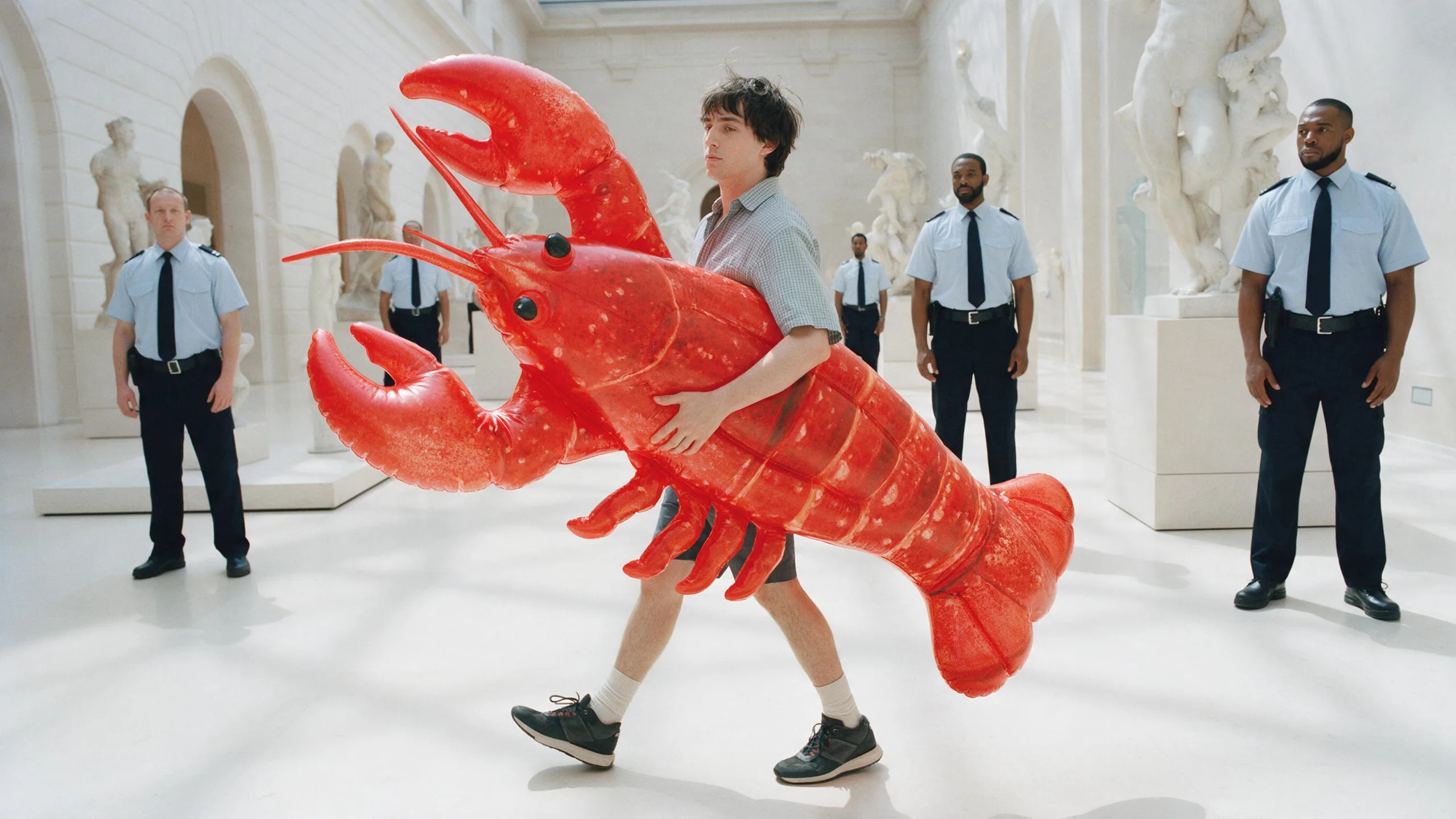
Draft at 1K or 2K while you're exploring, then render the keeper at up to 4K for prints, billboards and client delivery.
Seedream 5.5 is an AI image model from ByteDance. It can create an image from a description or edit photos you upload. Use it for product visuals, portraits, illustrations and creative concepts, with reference images to guide the result.
No. You can start with a description. Add a photo when you want to edit something you already have or show Seedream what you have in mind.
Upload it and describe the change. For example: ‘Change the jacket to red and keep the rest the same.’ Be clear about what should stay in the picture.
Yes. Add the images you want to work from and explain what to take from each one, such as the subject, setting or style.
Yes. Choose Transparent under Background when using Seedream 5.5. Your image will be saved with a transparent background so you can place it into another design.
Start with Seedream 5.5, the default. Seedream 5 Pro, Lite and Seedream 4 are also available if you want to compare different results. For a larger 4K image, choose Lite.
The Generate button shows the credits needed for your current choices before you create the image.