

Describe the change
Type what should change, like “make it night”.
Pika Video Studio Pro
Turn text or image to video or edit videos with up to 10 AI tools. Change the camera angle, relight the scene, color grade, resize for any aspect ratio, extend the clip, add sound and upscale to 4K.
 Pika H3 Flex
 Kling 4.0
 Grok Imagine 1.5
 MiniMax H3
 Seedance 2.5
 Google Veo 3.1Google Omni Flash
Generate video from text
Describe the shot, pick a video type and an AI video model, and direct the cast, camera, lens and light before you spend a credit.
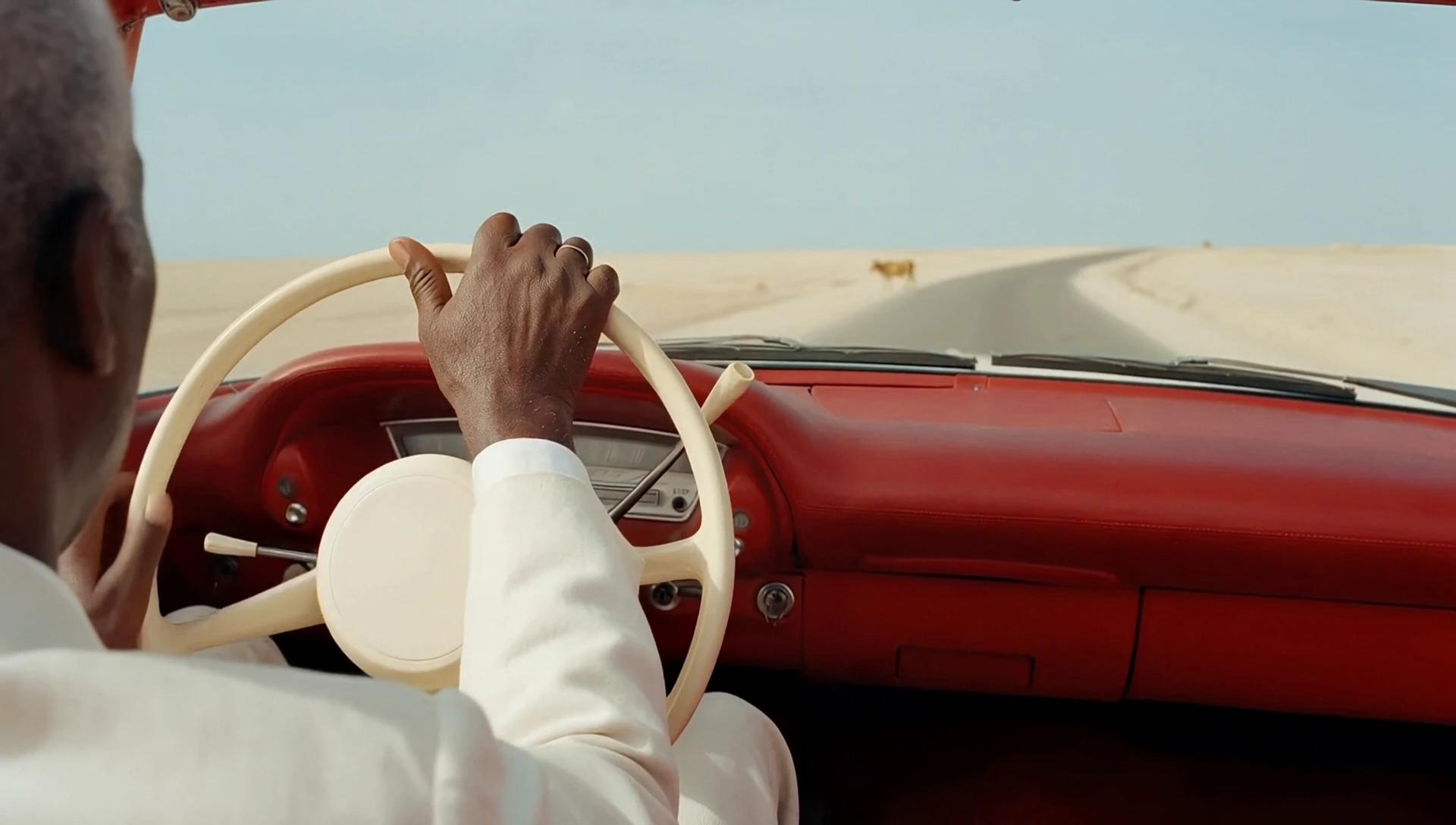
Replace the deer with a camel
Type what should change, like “make it night”.
Circle the spot on the clip and only that part changes.
Your first clip is never overwritten.
Cut at the playhead and reorder the pieces.
Camera Director
 Extreme wideCowboy shotMedium
 Macro
 Insert detail
Nine framings from extreme wide to macro and insert detail, previewed on your own clip.
Eye level, aerial, overhead, low angle, POV, through a frame or in a reflection.
22 moves, from locked off to dolly zoom, bullet time and a Hollywood oner. Hover to watch one play.
Your three picks write the prompt for you. Open Advanced Settings to rewrite it, or reset it.
Relight
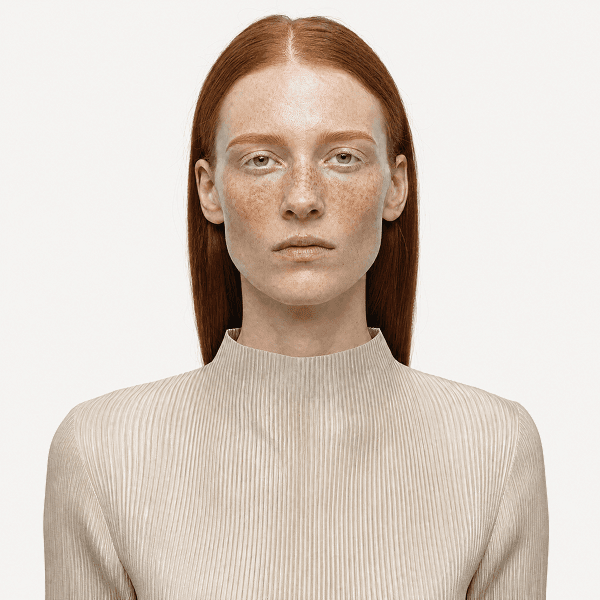 Softbox
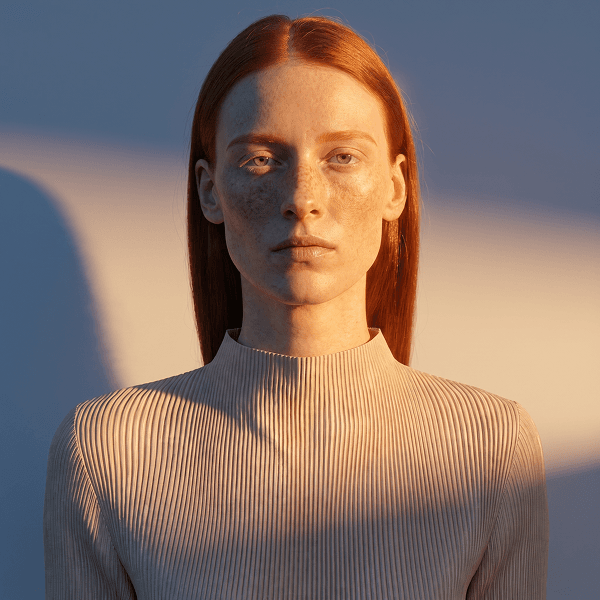 Golden Hour
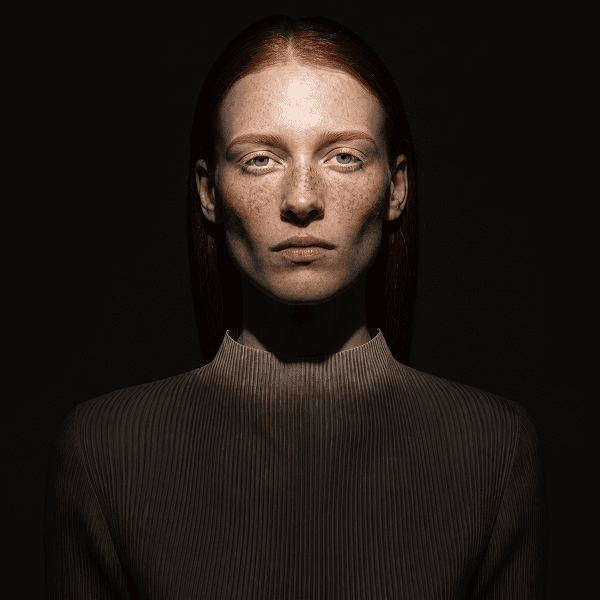 Spotlight
Softbox, Hard Flash, Window, Moonlight, Backlight, Spotlight and more set up the rig for you.
Add or remove lights, then set each one’s color and intensity, plus the ambient level.
Drop in an image and its palette drives the grade. Add notes to steer it.
Brightness, contrast, warmth, saturation and more. Drag anywhere, double-click to reset.
Resize
1:1, 16:9, 9:16, 4:3, or 21:9. AI fills the new edges for each one in a single batch, with no reshoot.
Choose an upscale model, pick 1080p or 4K and compare the result side by side.
Cut what you don’t need, or add a prequel or a sequel, with an optional prompt.
Generate a soundtrack, dialogue, room tone or foley that follows the picture, scene by scene.
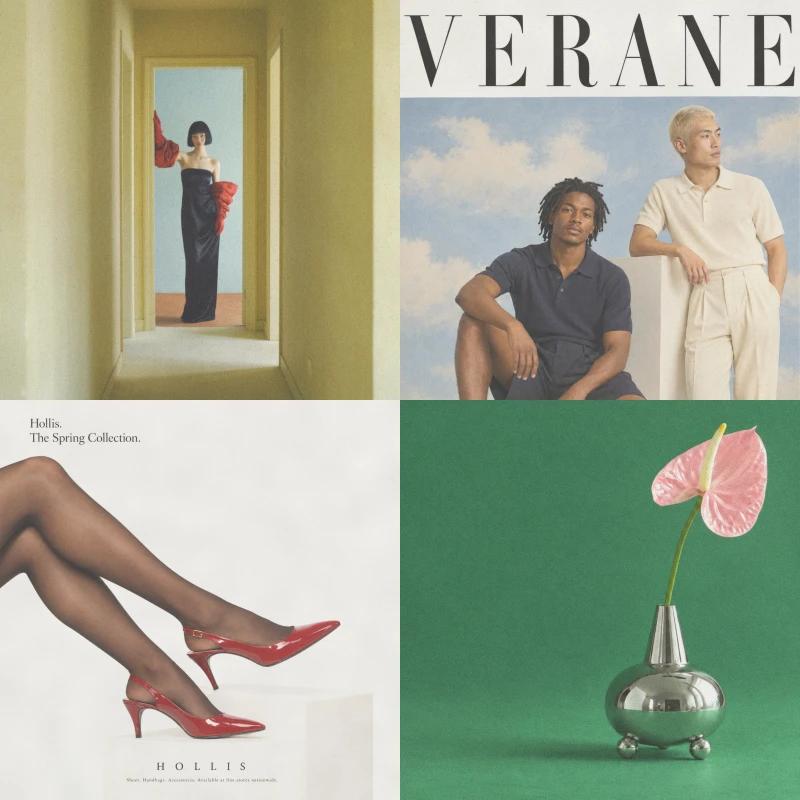
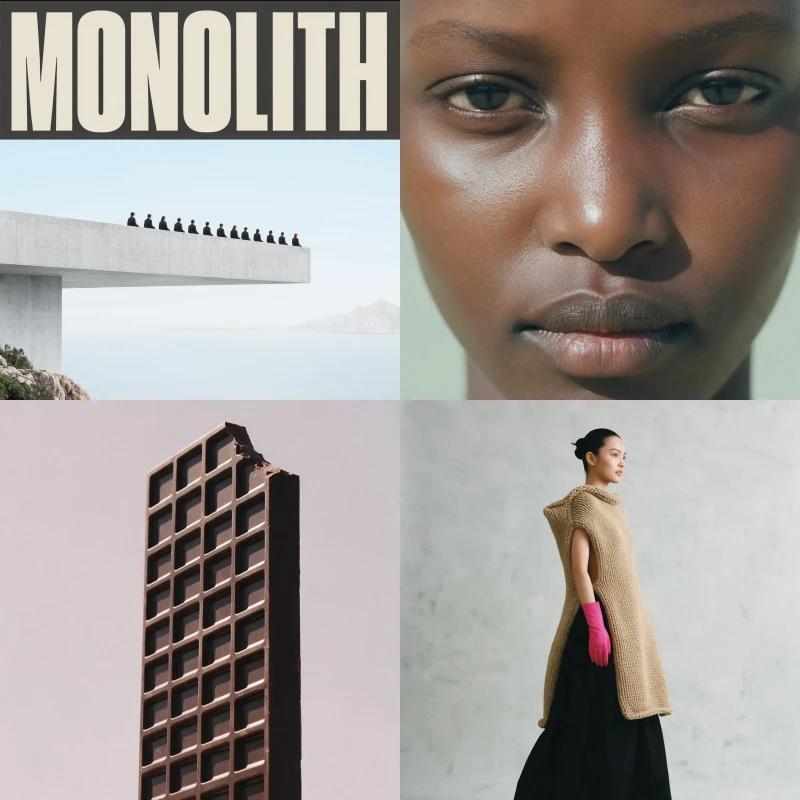
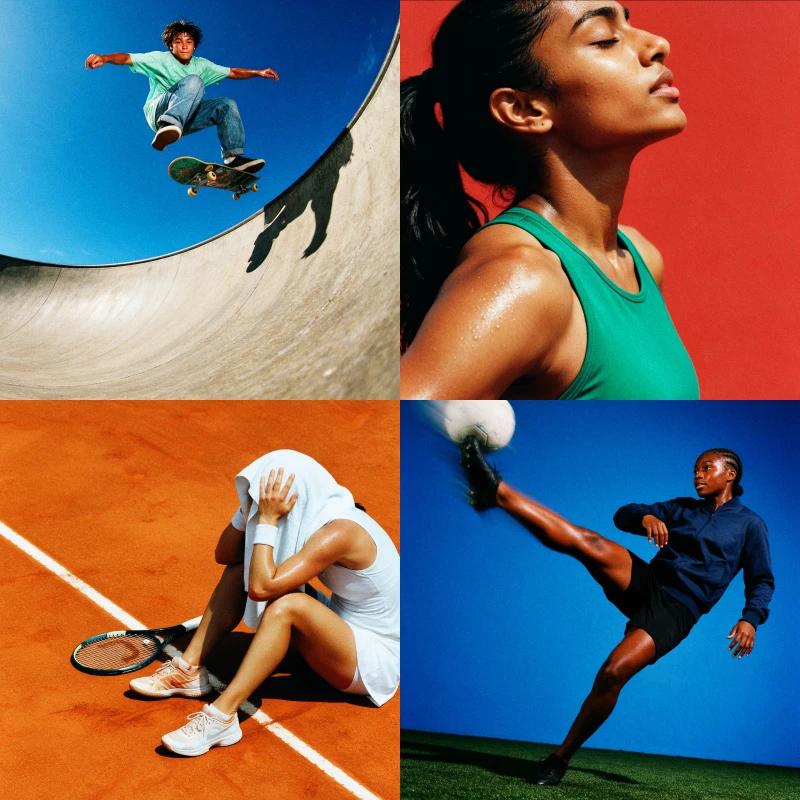
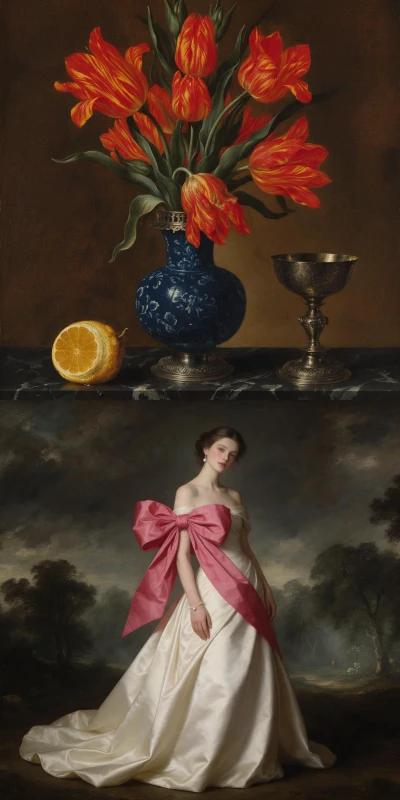


Pick a Pika Style like Vintage Magazine, Brutalist or Good Sport, then set the camera move, lens, lighting and color grade.
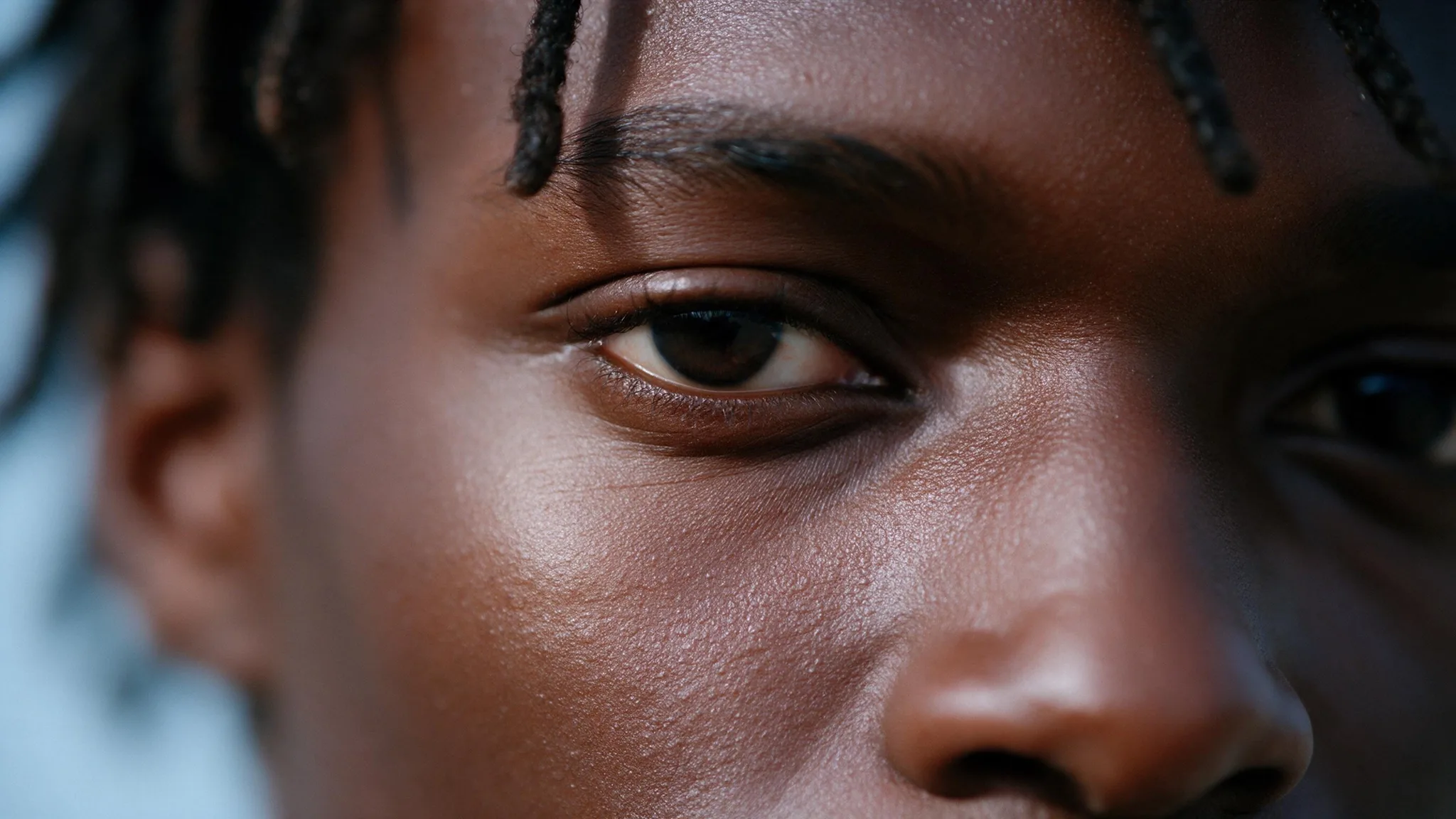
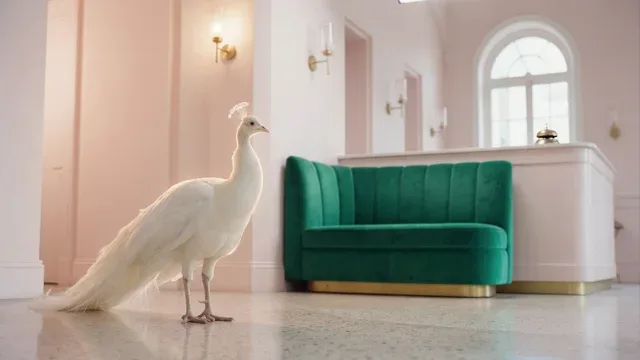
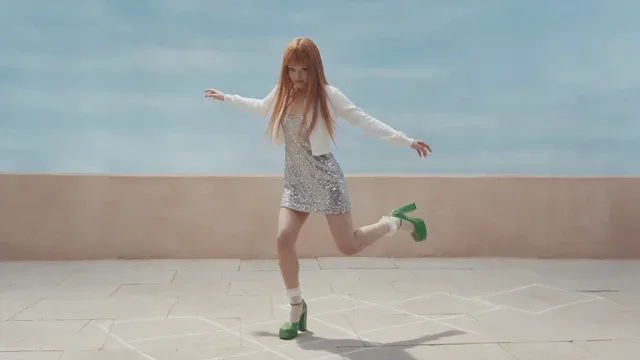
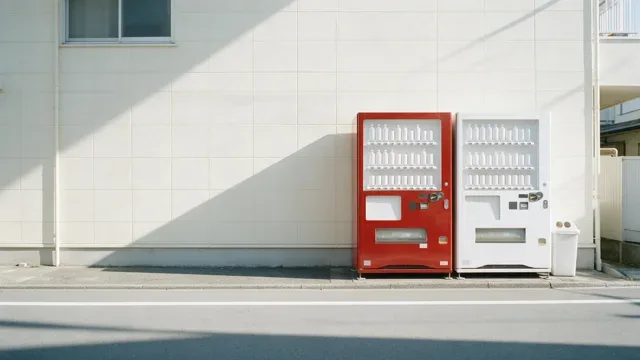
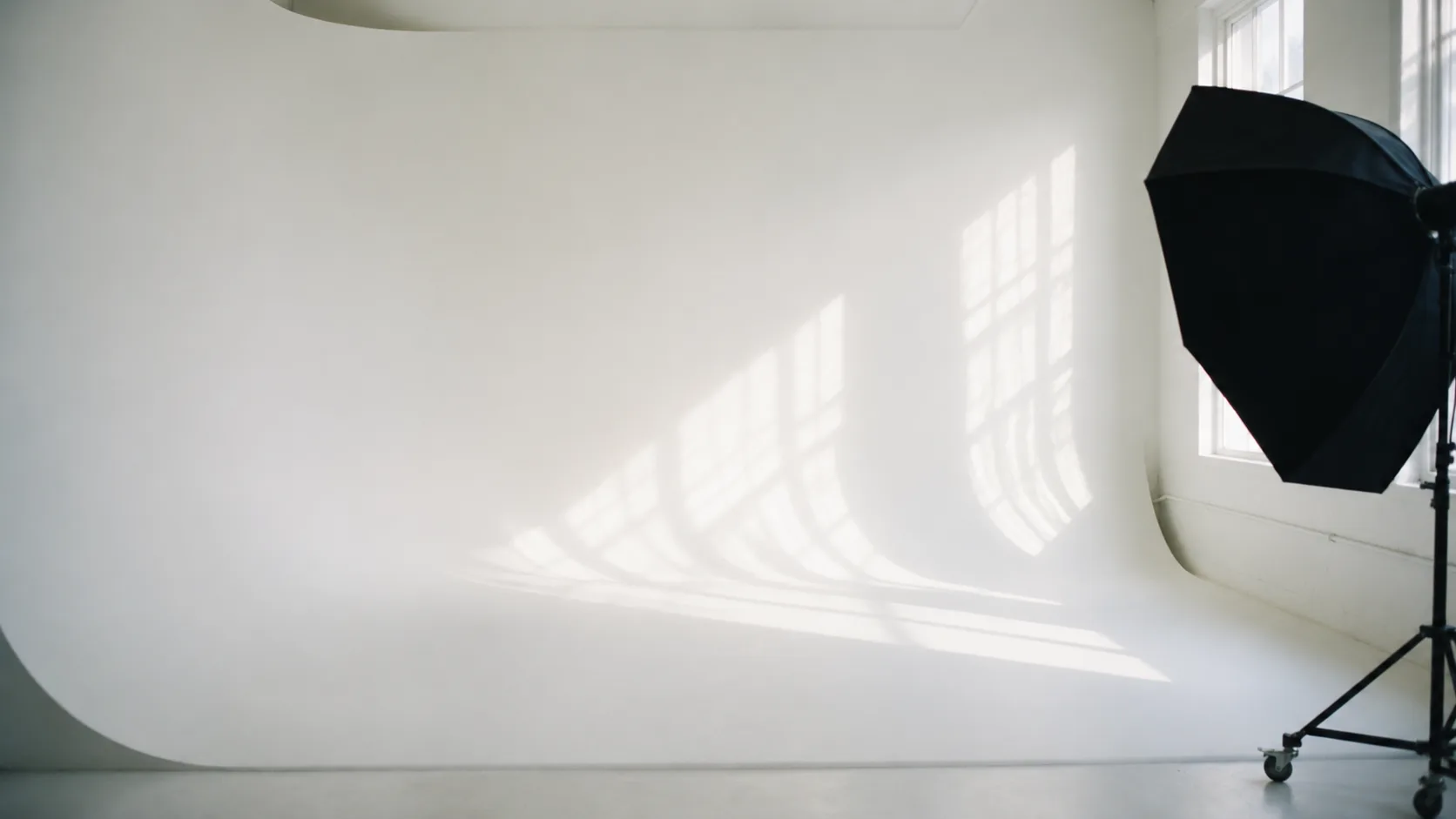
It’s a workspace to generate shots from a prompt or reference and edit existing clips. The shot deck lets you set camera, lens, light, color, cast, location, and sound.
Video Studio Pro offers models including Seedance 2.5, Pika H3 Flex, Kling 4.0, MiniMax H3, and Veo 3.1. The model picker shows the options for your current inputs.
Yes. Add an image as a reference or start frame, then describe what should happen.
Yes. Upload a clip or choose one from your Library, then use a prompt, draw on the frame, or open an editing tool.
Clip length depends on the model. Use the duration control to see its available lengths, or use Extend to continue a clip.
Yes. Use Reframe to change the aspect ratio of an existing clip. For a new clip, use a vertical Video Type or choose 9:16.
Yes. Choose a model that supports 4K in the Upscale tool.
Each generated edit creates a new take in your project, so you can return to the original.
You can preview preset examples and see the credit cost before generating. Generating an edit on your own clip uses credits.
Studio renders downloadable video as MP4. The selected model and export settings determine resolution and aspect ratio.


 Assets


 Split


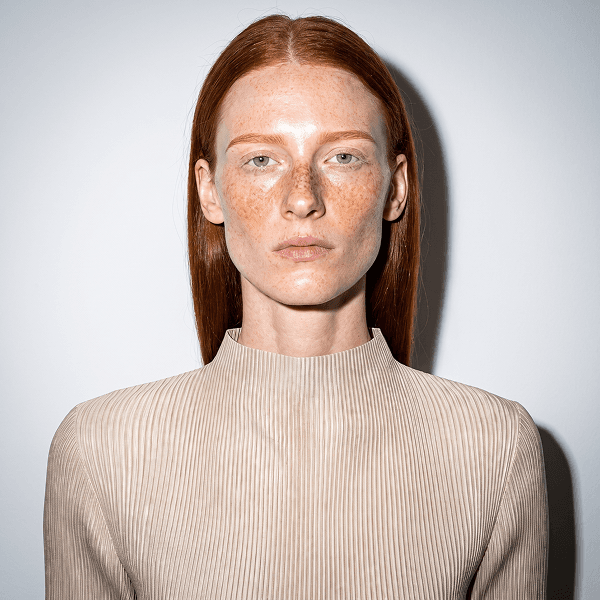 Hard Flash
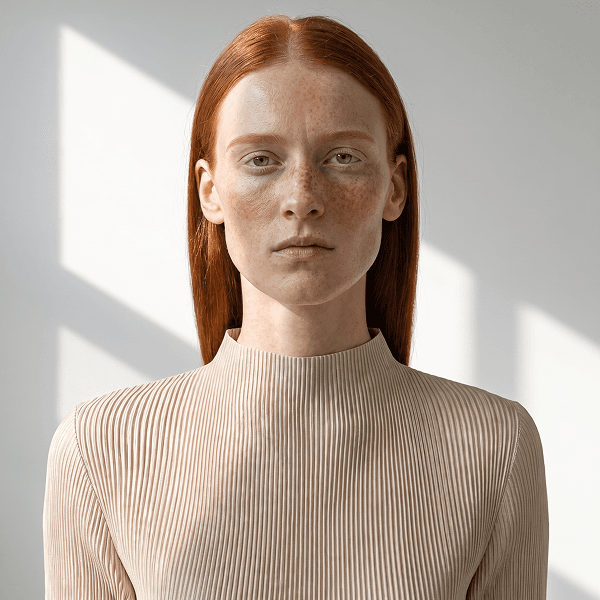 Window
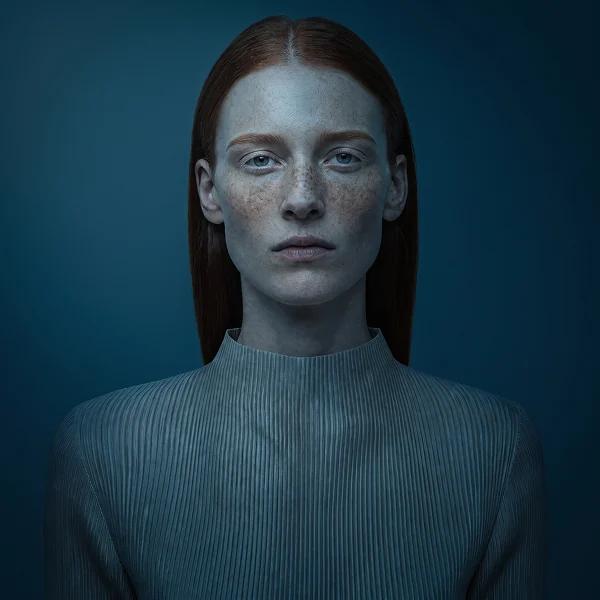 Moonlight
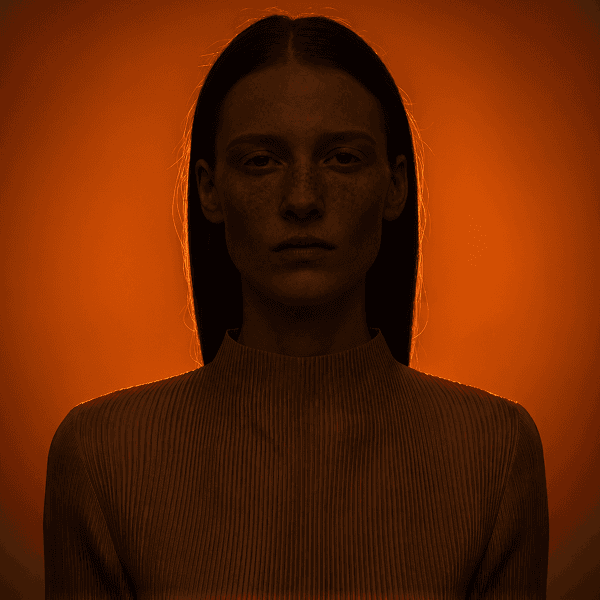 Back Light
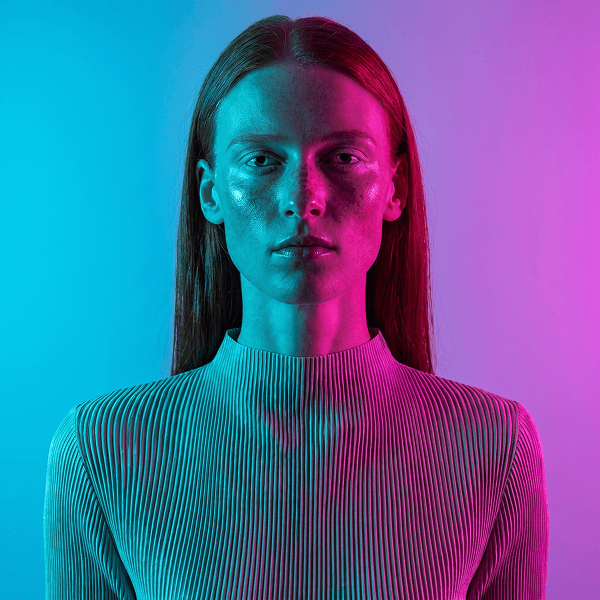 Neon