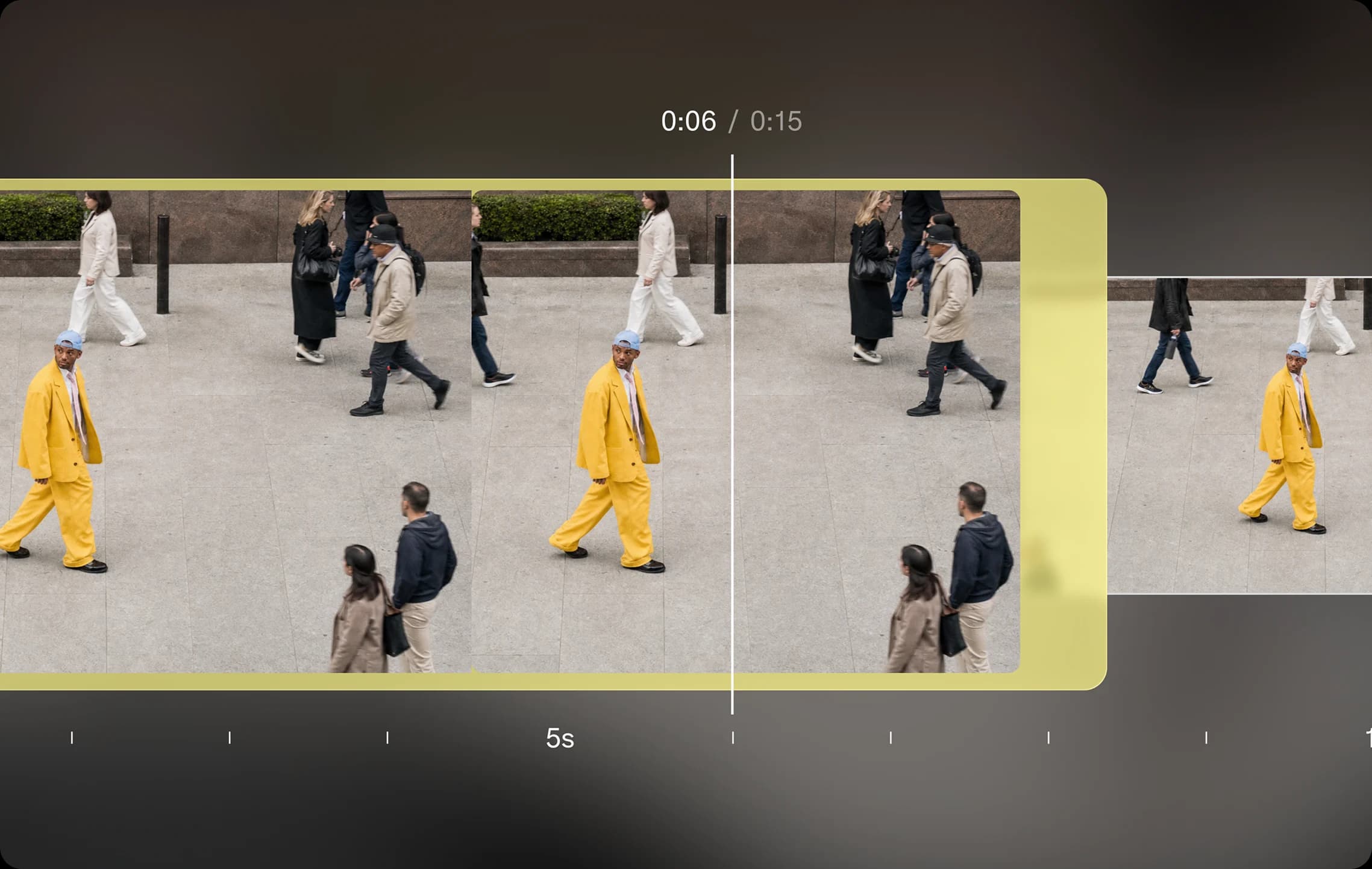
Cut a clip down to exactly the length you want. Trim with precision, then add the new asset back into your library, or take it further with other editing apps.
Frequently Asked Questions
Can I shorten a video without making a new scene?
Yes. Trim Video cuts your existing clip to the section you choose.
Can I reuse the trimmed clip?
Yes. Save the new asset to your library or continue editing it in another app.
How do I use Trim Video?
1. Upload a video: Add the clip you want to shorten. 2. Set the start and end: Choose the portion you want to keep. 3. Save the trimmed clip: Review the cut and save the new asset.