Talking Head Video
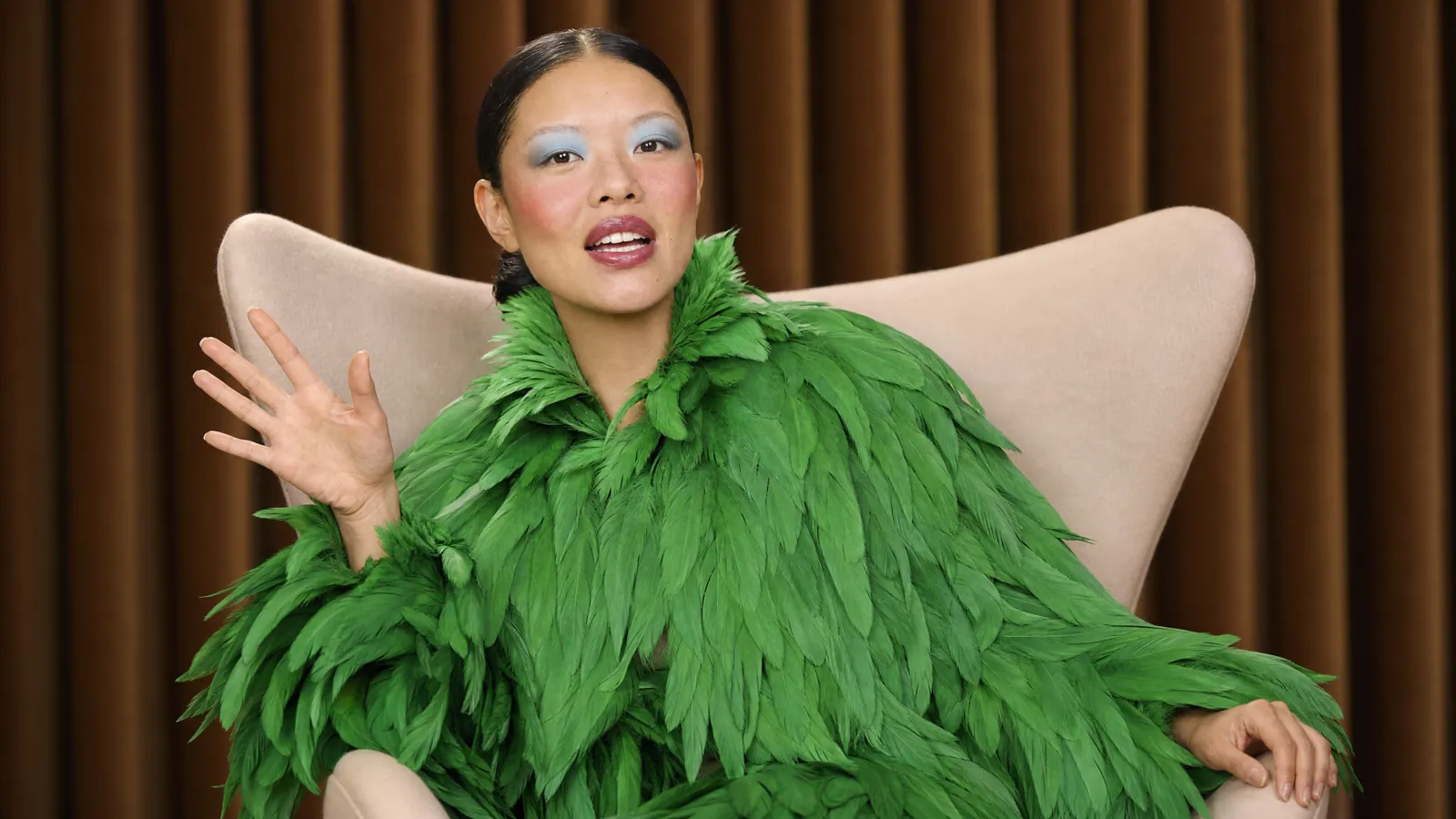
Have a lifelike, on-camera presenter deliver your message. Just paste a script and pick an avatar. Or upload an image of yourself and an audio sample to be the star of any video.
Frequently Asked Questions
Can I make an AI presenter from my own photo?
Yes. Upload your image and an audio sample, or choose an avatar and paste a script.
What can I use talking head videos for?
Create presenter clips for explainers, product introductions and spoken updates.
How do I use Talking Head Video?
1. Choose a presenter: Pick an avatar or upload a clear photo. 2. Add the message: Paste your script or provide the audio you want performed. 3. Generate the video: Create the clip and review the speech and facial movement.
Is Talking Head Video on the Free plan, and do videos have a watermark?
Yes. Every model and app is on every Pika plan, Free included. Free has no monthly credits, so you buy a credit pack to generate. No Pika plan adds a watermark, and the commercial license starts with Starter at $10 a month. Credit costs depend on length and settings; the app shows the quote before you generate. Current plans and credit packs are on pika.art/pricing.