Language Swap
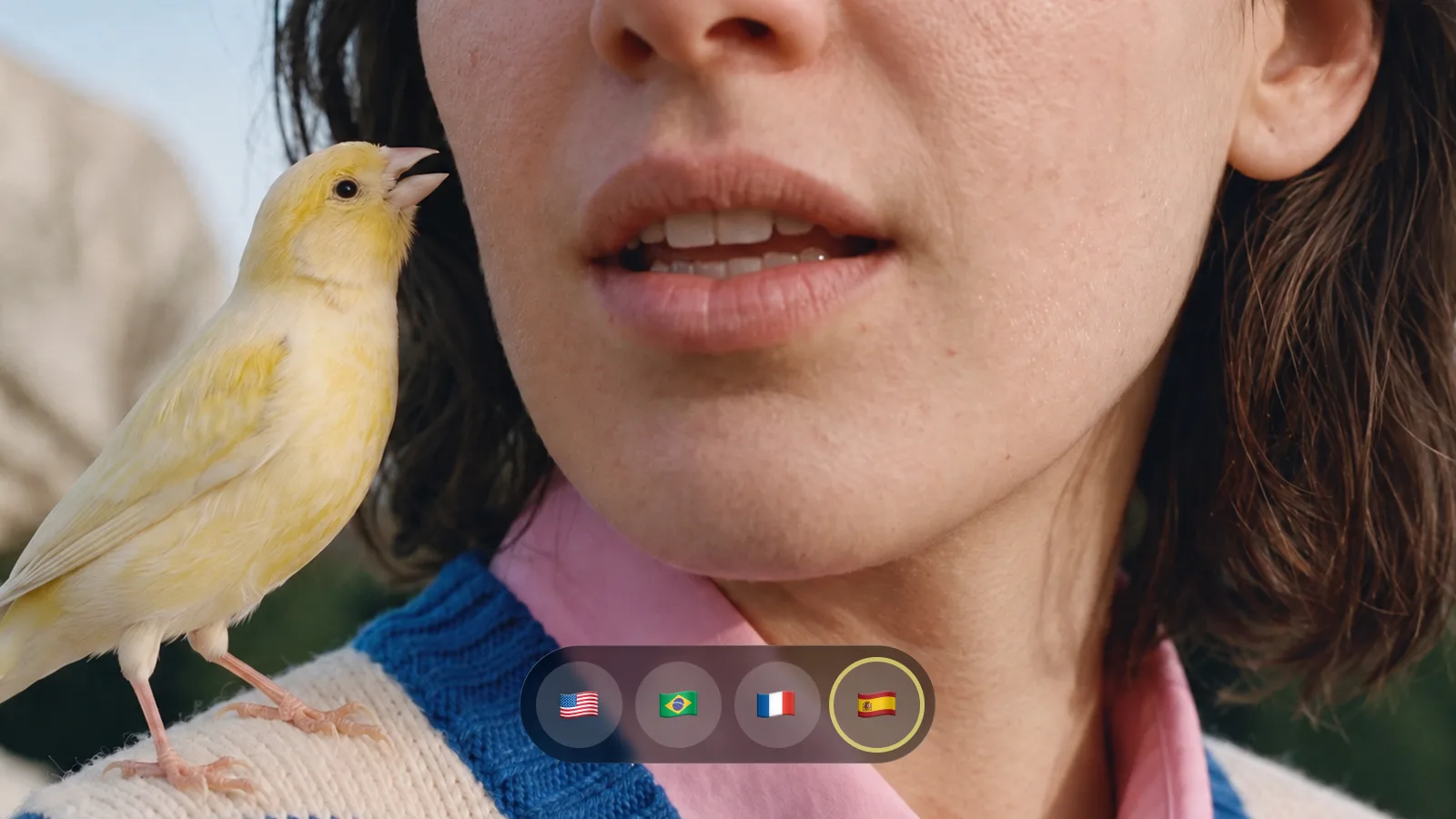
Take your video global without recording a single new line. Upload a clip of someone speaking, select a target language, and Language Swap translates what they say, clones their voice, and lip-syncs the result. The delivery stays theirs, only the language changes.
Frequently Asked Questions
Can I translate a video into another language?
Yes. Upload a speaking clip and choose the target language.
Does Language Swap change the voice and lip movement?
It creates translated speech with voice matching and lip sync. Review the result for pronunciation and meaning.
How do I use Language Swap?
1. Upload a speaking clip: Choose a video with clear dialogue. 2. Select the target language: Pick the language for the translated speech. 3. Generate and review: Check the translation, voice and lip sync.