Add Elements
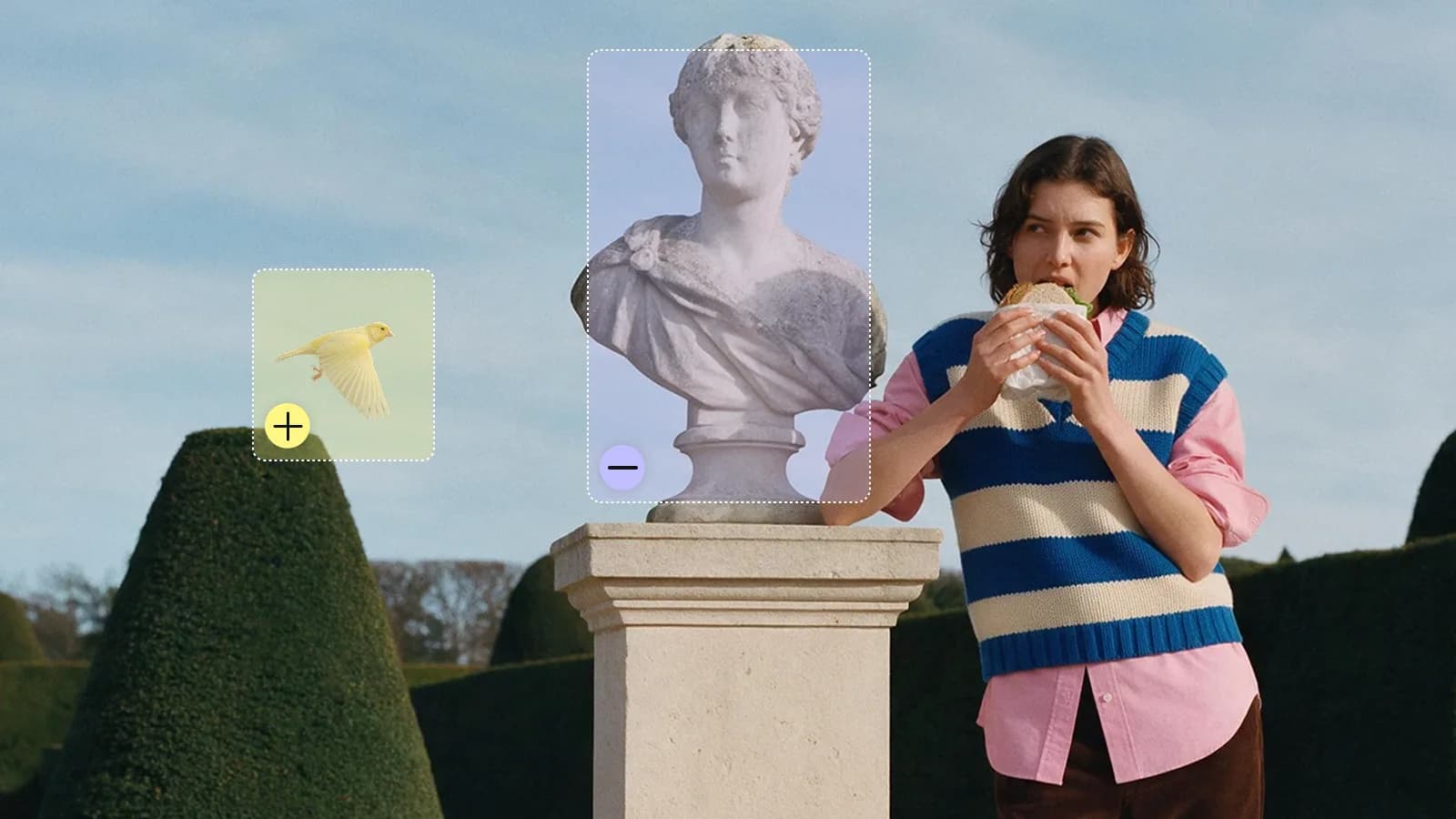
Add anything to your shot, or make anything disappear. Just upload a clip, paint over the area you want to change, and describe what should be there. You can also choose exactly when the new element appears. Everything else in the frame stays as you shot it.
Frequently Asked Questions
Can I add or remove an object in a video?
Yes. Select an area and describe what should appear there or be removed.
Can I control when an element appears?
Yes. Choose the timing for the change within your clip.
How do I use Add Elements?
1. Upload the clip: Add the video you want to edit. 2. Mark the area and timing: Paint the region and choose when the edit applies. 3. Describe and generate: Explain the change, then review the edited video.